# Text

This section helps you to manage all your AI-generated content. It helps you check the generated content along with variations. It is very useful in keeping track of businesses' content creation and ensures consistency across their brand messaging.

<figure><img src="https://3652255517-files.gitbook.io/~/files/v0/b/gitbook-x-prod.appspot.com/o/spaces%2Fz59Vqr25L1jt6xe60FDS%2Fuploads%2Fgit-blob-793f90e7050cd56c7647140c888cfbf7daf9419c%2FContent-AI_1.png?alt=media" alt=""><figcaption><p>Content AI overview</p></figcaption></figure>

### AI Overview <a href="#ai-overview" id="ai-overview"></a>

#### Total Word Generated <a href="#total-word-generated" id="total-word-generated"></a>

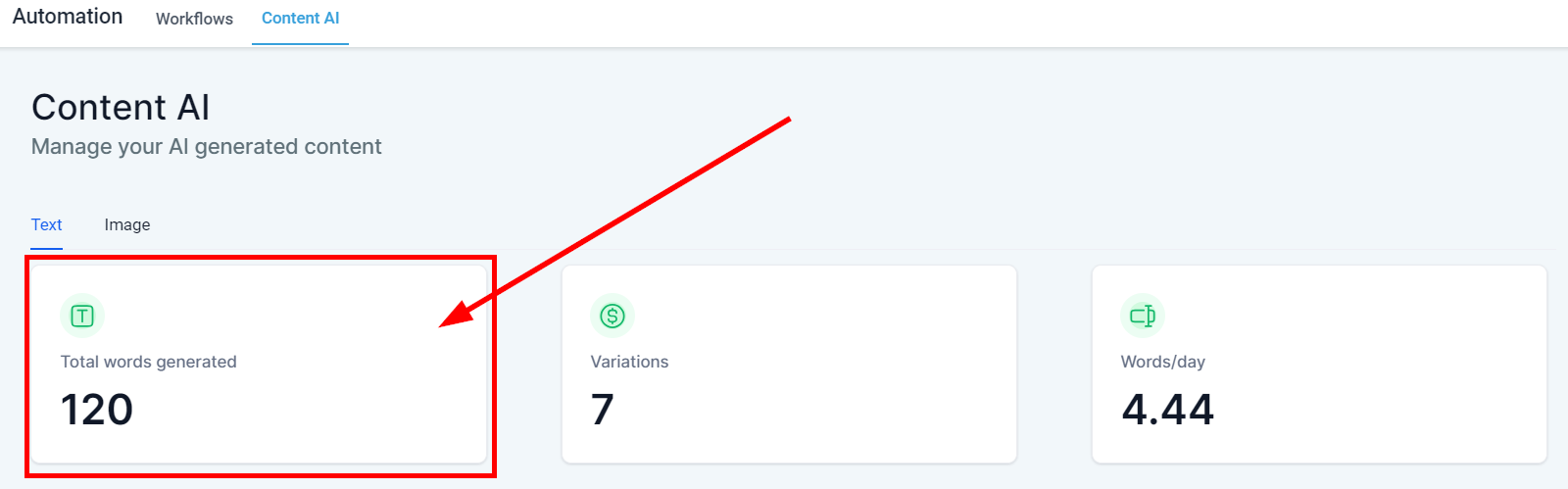
You can see the total number of words generated by Content AI across your entire CRM in the **Total words generated** tile.

<figure><img src="https://3652255517-files.gitbook.io/~/files/v0/b/gitbook-x-prod.appspot.com/o/spaces%2Fz59Vqr25L1jt6xe60FDS%2Fuploads%2Fgit-blob-43e62e8333ad98529c638484692ff02ec258d67d%2FContent-AI_2.png?alt=media" alt=""><figcaption><p>Total words generated by all AI content</p></figcaption></figure>

#### Variation <a href="#variation" id="variation"></a>

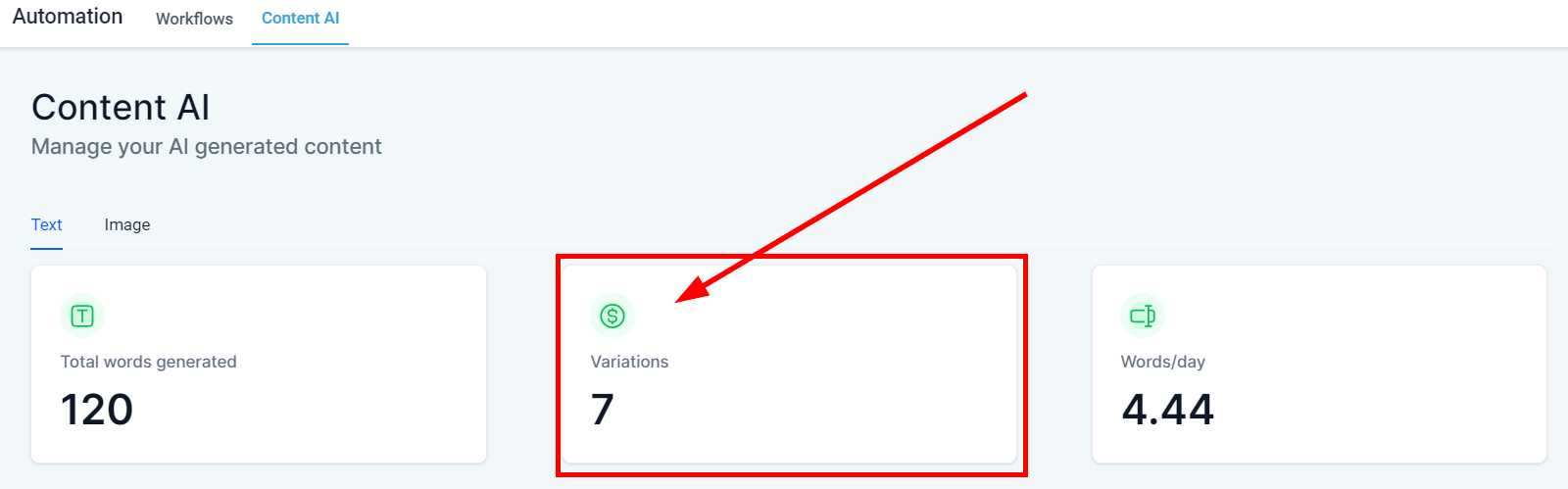
You can see the total number of variations created from all AI-generated content in the **Variations** tile.

<figure><img src="https://3652255517-files.gitbook.io/~/files/v0/b/gitbook-x-prod.appspot.com/o/spaces%2Fz59Vqr25L1jt6xe60FDS%2Fuploads%2Fgit-blob-b10e85fc4ea0bf731264e924dffde27331ff24e3%2FContent-AI_3.png?alt=media" alt=""><figcaption><p>AI content variation</p></figcaption></figure>

#### Words/days <a href="#words-days" id="words-days"></a>

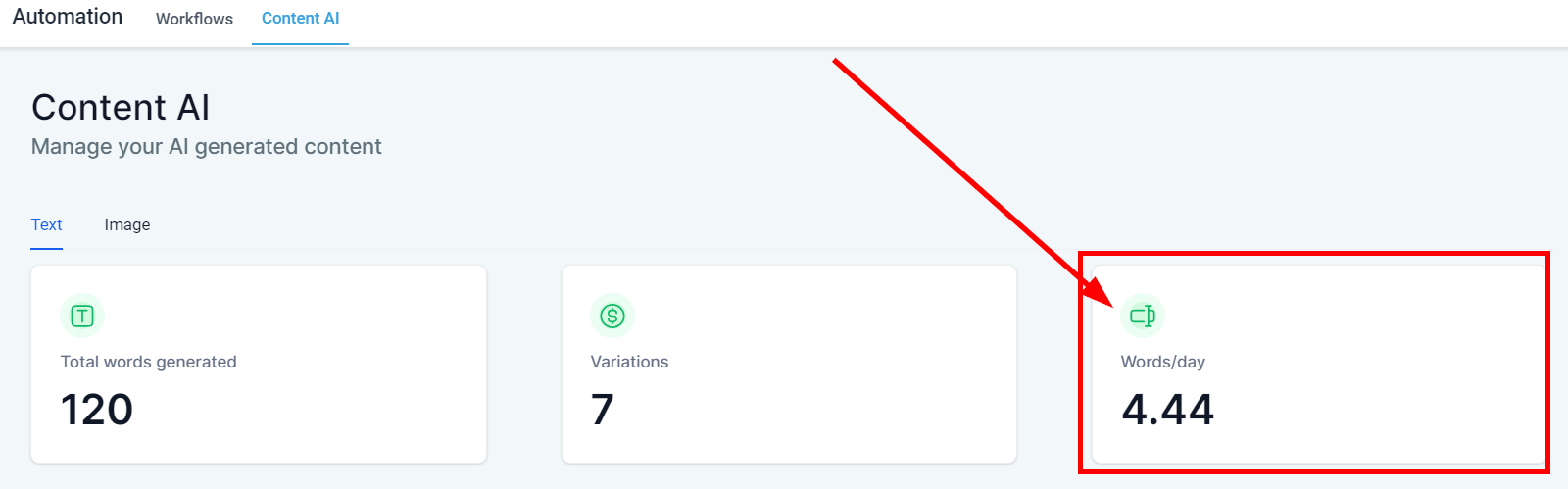
The **Words/day** tile shows the average number of words generated in content AI per day.

<figure><img src="https://3652255517-files.gitbook.io/~/files/v0/b/gitbook-x-prod.appspot.com/o/spaces%2Fz59Vqr25L1jt6xe60FDS%2Fuploads%2Fgit-blob-db5c4befb11cb36618e17b610da134d6b1bc4dd6%2FContent-AI_4.png?alt=media" alt=""><figcaption><p>Words generated per day</p></figcaption></figure>

### AI Table <a href="#ai-table" id="ai-table"></a>

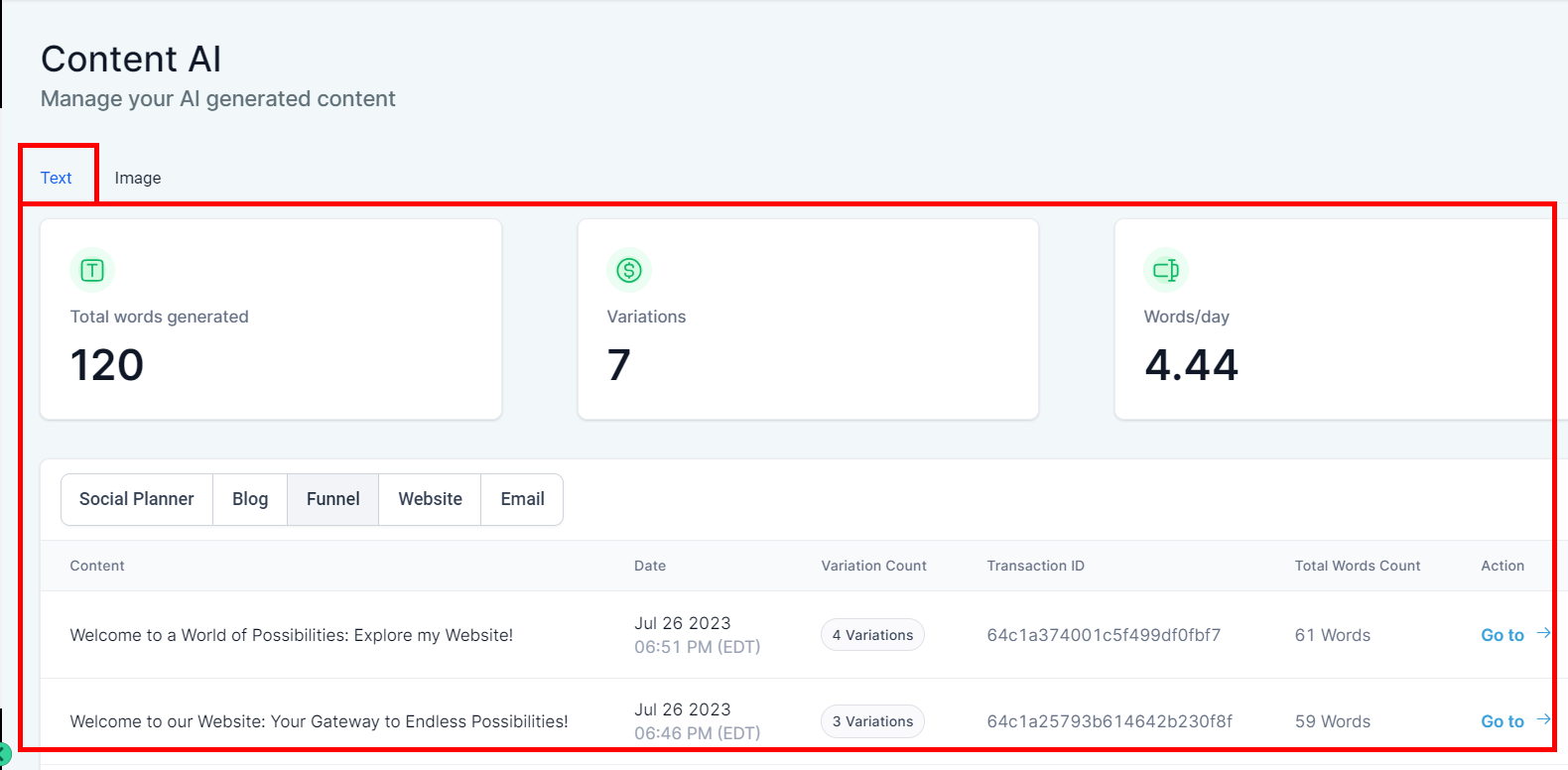
Once the content is generated on any platform, it will be registered on the content AI details page. These are sections of your CRM that you can generate Content AI:

* **Social Planner**
* **Blog**
* **Funnel**
* **Website**
* **Email**

Assessing previous logs of generated content can also save time for businesses, as they can reuse content that has already been generated and make necessary tweaks or adjustments as needed.

1. **Content** This column shows the contents created in the platform.
2. **Date** This shows the date and time this content was created.
3. **Variation Count** This shows the number of variations in each content AI created
4. **Transaction ID** This shows the transaction ID of each content AI that has been generated.
5. **Total Words Count** This column shows the total word count of each content.
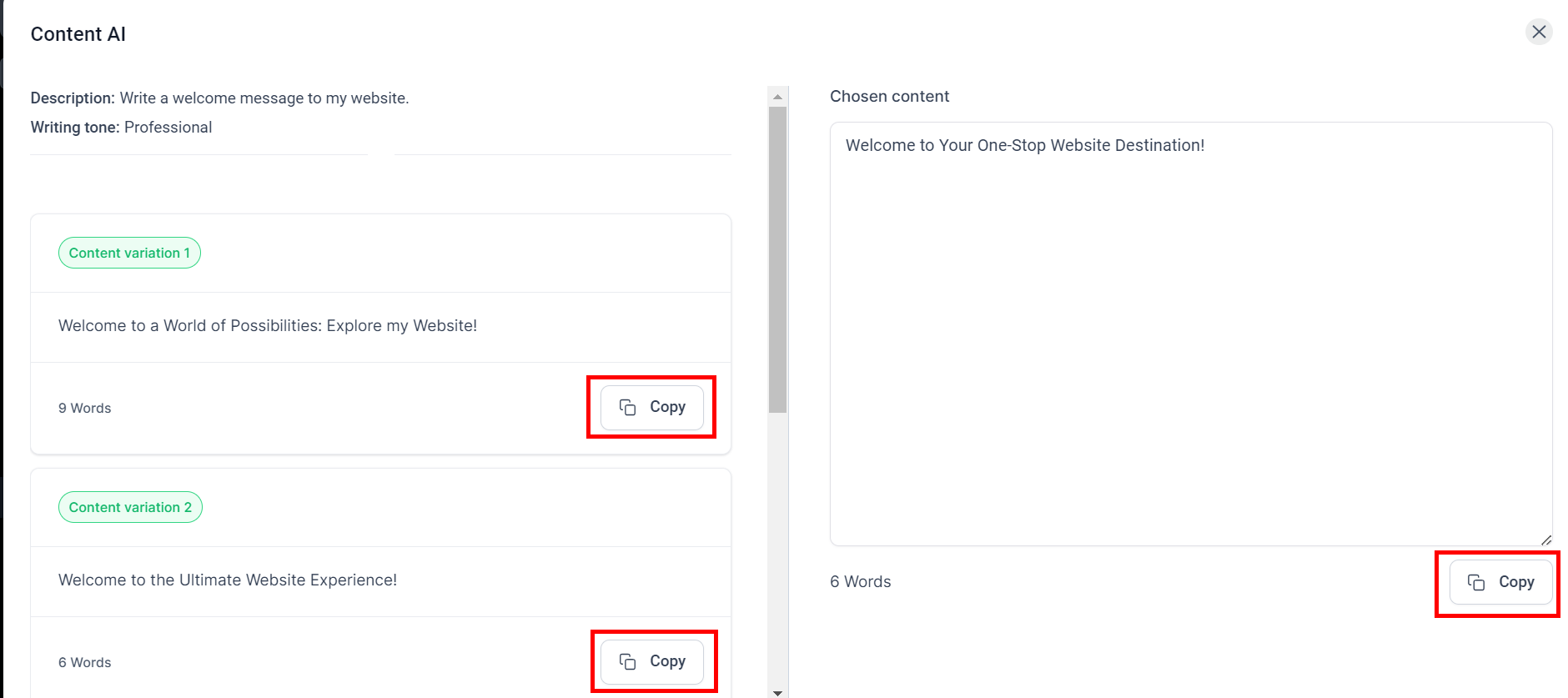
6. **Action Menu** You can copy any variations you generate by clicking on the "Go To" option, which directs you to the content page. You will see the "Copy" button in front of each content variation; click on it to copy.
<figure><img src="https://3652255517-files.gitbook.io/~/files/v0/b/gitbook-x-prod.appspot.com/o/spaces%2Fz59Vqr25L1jt6xe60FDS%2Fuploads%2Fgit-blob-70a296a9d4dcb70518f8496e28b4da825227702c%2FContent-AI_5%20(1).png?alt=media" alt=""><figcaption><p>AI content log</p></figcaption></figure>

<figure><img src="https://3652255517-files.gitbook.io/~/files/v0/b/gitbook-x-prod.appspot.com/o/spaces%2Fz59Vqr25L1jt6xe60FDS%2Fuploads%2Fgit-blob-ee27b961d8b975729fd997fbf9c1205718357a50%2FContent-AI_5a.png?alt=media" alt=""><figcaption><p>Action menu</p></figcaption></figure>